What It Actually Means to Own Your Website (And Why Most Business Owners Don't)
If your website is on Wix or Squarespace, you don't own it — you rent it. You can't export your site design and take it with you. Here's why that matters for your business.

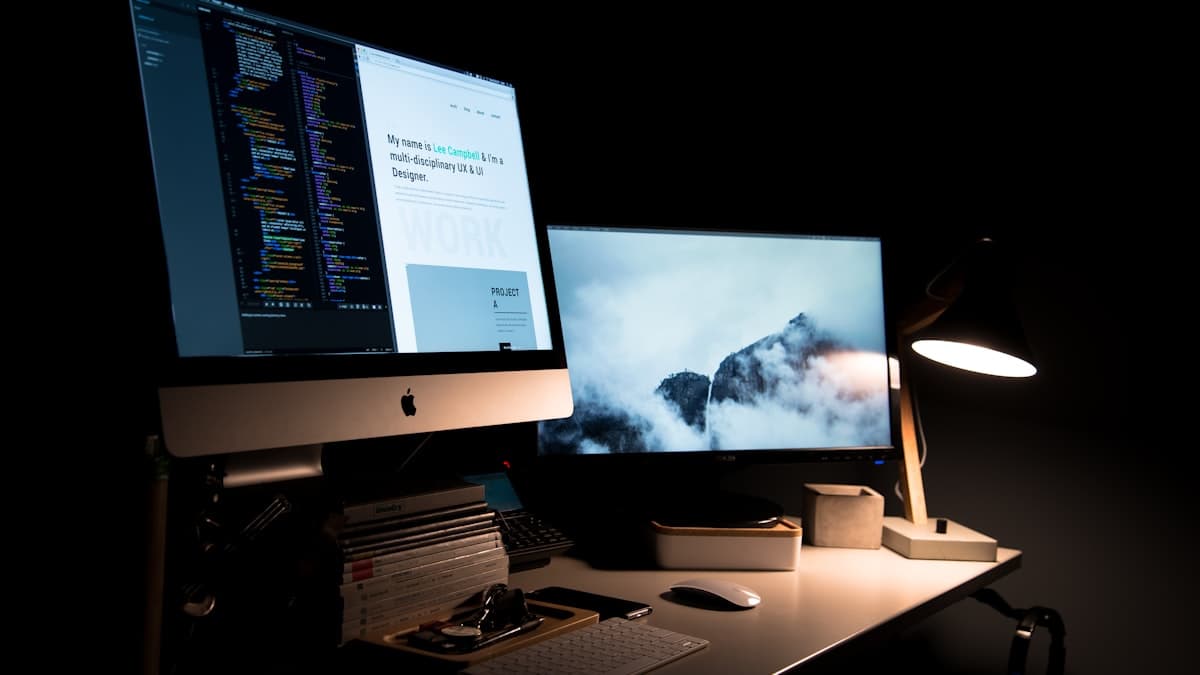
Photo via Unsplash
Quick Summary
If your website is on Wix, Squarespace, or a similar platform, you don't own it. You rent it. You own your content, but the site itself belongs to the platform. If you leave, you leave empty-handed. This isn't a tech detail — it's a business risk most owners don't know about until it's too late.
Key takeaways:
- On most website builder platforms, you own your content but not your website
- Wix uses a proprietary format. You cannot export your site design and take it somewhere else
- Platforms can raise prices, change features, or shut down, and you have no leverage
- A custom-built website is code you own, like owning a building versus renting an apartment
- Website ownership isn't a developer flex. It's a basic business protection
Quick question: if you decided tomorrow to move your website to a different platform or a different developer, could you?
Not "could you rebuild it from scratch." Could you take the actual website, the design, the layout, the pages, the functionality, and move it somewhere else?
If your site is on Wix, the answer is no. Same for most drag-and-drop website builders.
And most business owners don't find this out until the moment they need to move. By then, they've invested months or years of work into something they can't take with them.
What You Actually Own on Wix (and What You Don't)
This trips up almost everyone because the language is confusing. Wix's terms say you own your content. That means the text you wrote, the photos you uploaded, the blog posts, the descriptions. That's yours.
But the website itself, the design, the layout, the way pages are structured, the templates, the functionality, the apps? That belongs to Wix. It runs on their proprietary system. It can only exist on their servers.
A terms of service analysis summarized it plainly: while you own your content, the template structure, design elements, and apps remain Wix property. You cannot take your site's look and feel with you.
This means if you've spent 60 hours customizing a Wix template, tweaking the layout, adjusting fonts, building out pages, adding forms and booking tools, none of that work is portable. You can't download your Wix site as a set of files and upload it somewhere else. There is no export button for your website. You can export blog posts as XML. That's about it.
If you leave Wix, you start over. From scratch. On a new platform. Rebuilding everything.
Why This Matters More Than You Think
For a personal blog or a hobby site, platform lock-in is a minor inconvenience. For a business that depends on its website to generate customers, it's a real vulnerability. Here's why:
Platforms raise prices, and you have no leverage. Wix has restructured its pricing multiple times. In 2023, they completely revamped their plan tiers. In 2024, some European users reported price increases of 75% with little notice. Legacy plans like Combo, Unlimited, and Pro were retired and replaced with new, often more expensive options. When this happens, your choices are: pay the new price, downgrade to a plan with fewer features, or leave and rebuild your entire site elsewhere. That's not negotiation. That's an ultimatum.
Platforms can remove features you depend on. In July 2024, Wix permanently removed its chat and call history features from Google Business Profiles. Businesses that relied on those features for customer communication had to scramble for alternatives. When a platform decides a feature isn't worth supporting anymore, your business adapts on their timeline, not yours.
Your business is tied to someone else's infrastructure. If Wix has an outage, your site goes down. If they make a change to their editor or their templates, your site might look or function differently without you doing anything. You're a tenant, subject to the landlord's decisions about the building.
Plans auto-renew at full price, not the promotional rate. That $17/month introductory price? Read the fine print. Renewal happens automatically at the then-current rate, which can be significantly higher than what you originally paid. Miss the cancellation window and you're locked in for another cycle.
If there's a dispute, the platform decides. Wix's own help documentation states that in the event of a dispute between parties, Wix determines site ownership. Your site exists within their ecosystem, under their rules.
What Ownership Actually Looks Like
When you own your website, you have a set of files. HTML, CSS, JavaScript, images, content. Those files can live on any server, with any hosting company, managed by any developer. You can move them. You can modify them. You can hand them to someone new if your current developer isn't working out.
Think of it like the difference between renting an apartment and owning a building. In a rental, you can decorate and arrange furniture, but you can't change the floorplan, you can't take the kitchen with you when you leave, and the landlord can raise your rent. When you own the building, you own the structure. You choose who maintains it. You decide when to renovate. If you don't like your contractor, you hire a different one. The building stays yours.
A custom-built website works the same way. The developer builds it, hands you the code, and you own it. If you want to switch hosting providers, you can. If you want a different developer to make changes, they can. If you want to sell your business someday, the website is an asset that transfers with it, not a subscription that requires a new account.
"But I'm Not Technical. Why Would I Want to Own Code?"
You don't need to understand the code any more than you need to understand the wiring in a building you own. The point isn't that you'll be editing HTML files yourself. The point is that you have options.
Ownership means you're never trapped. It means no single company can raise your prices with a "pay it or lose it" ultimatum. It means your website is a business asset that appreciates over time as you add content, build SEO, and collect reviews, instead of a rental that stays on someone else's balance sheet.
It also means you can hire any developer to work on your site. With Wix, you need someone who knows Wix. With a custom site built on standard web technologies, any qualified developer in the world can pick up where the last one left off. Your pool of people who can help you goes from "Wix specialists" to "every web developer."
When Renting Makes Sense (and When It Doesn't)
To be fair, renting isn't always wrong. There are situations where a platform like Wix is the right choice:
If you're testing a business idea and don't know yet whether it'll work, renting is fine. You don't buy a building for a pop-up shop.
If you need something live by Friday and have $20 to spend, a platform gets you there. Imperfect and online beats perfect and invisible.
If your website is truly just a digital business card with your name, phone number, and hours, the stakes of platform lock-in are low.
But once your website becomes a real part of how your business gets customers, once it's connected to your Google presence, ranking in search results, generating calls and bookings, the calculus changes. At that point, you've built something valuable on rented land. And rented land comes with risks that owned land doesn't.
The Question to Ask Before You Build (or Rebuild)
Before you invest time and money into any website, ask one question: when this is done, who owns it?
If the answer is "you, with full code access and the ability to host it anywhere," that's ownership.
If the answer is "you own the content but the site lives on our platform and can't be exported," that's a rental agreement.
Neither answer is automatically wrong. But you should know which one you're signing up for. Most business owners don't find out until it matters.
Find Out What You Actually Own (and What You're Renting)
Our free assessment shows you exactly what your online presence looks like right now, including whether your current setup gives you real ownership or has you locked into someone else's platform. Takes about 3 minutes.
- Get a score out of 100 for your overall online presence
- See where you have control and where you're vulnerable
- Find out what it would take to own your web presence outright
No sales call. No pressure. Just clarity.
Or if you already know you want a website you actually own, check out our plans at telnorawebstudio.com/#pricing. Every site we build is custom code, you own it, and you can take it anywhere.
Frequently Asked Questions
You own the content you create — the text, images, and blog posts you upload. But you do not own the website itself. The design, layout, structure, templates, and functionality are proprietary to Wix and cannot be exported or taken to another platform. If you leave Wix, you leave the site behind and rebuild from scratch elsewhere.

Telnora Web Studio
Your online presence, handled.
We build and manage everything your service business needs online—website, booking, automations, AI receptionist, and local search—so you can focus on your actual business.


You might also like
Online Booking vs. Phone-Only: Which Gets You More Customers?
The way people book services has changed. 46% of appointments are now booked online, and 34% happen after hours. If your business is phone-only, you're missing customers who will never call.
What Happens to a Lead You Don't Follow Up With in 5 Minutes
When someone reaches out to your business, you have about five minutes before your chances of landing that customer drop dramatically. 78% of customers buy from whoever responds first.
Template Website vs. Custom Website: Which One Is Right for Your Business?
Templates are fast and cheap. Custom sites load faster, convert better, and you own the code. Here's the honest breakdown of both — and how to decide which fits your business right now.